The Wyze
Thursday, 27/11/2025
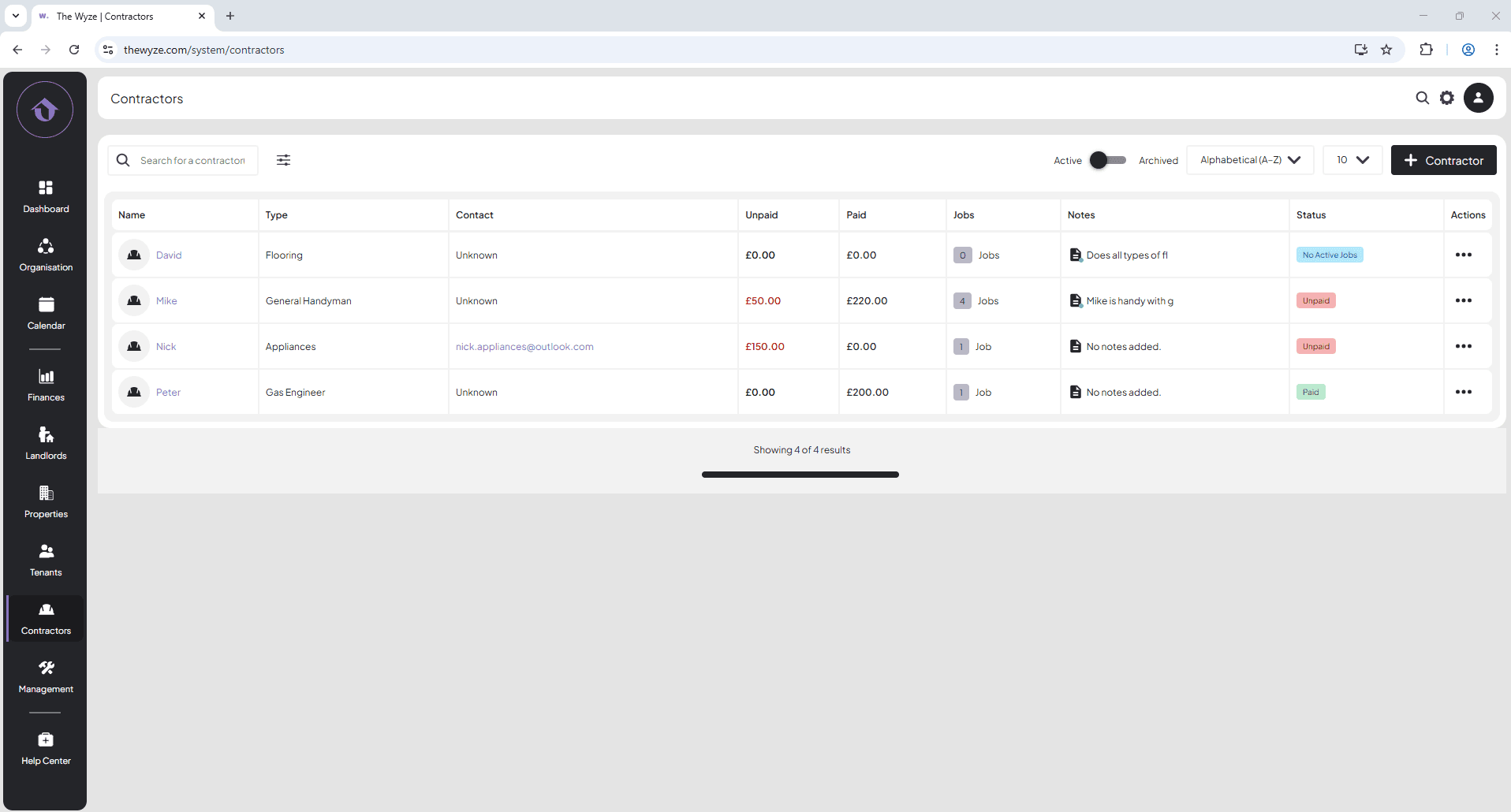
How to add a contractor
Step 1. Access the Contractors Tab 0:00
- Navigate to the left-hand side menu.
- Select the Contractors tab.
Step 2. Add a New Contractor 0:10
- On the right-hand side, click on ‘+ Contractor’.
Step 3. Enter Contractor Details 0:16
- Fill in the contractor’s details.
- Select save.
Step 4. View Contractor Information 0:52
- The new contractor will now appear in the Contractors tab.
- Click on the contractor’s name to view their details.