The Wyze
Tuesday, 11/11/2025
How to add a maintenance job for guaranteed costs
Step 1. Select Property 0:00
- Navigate to the left-hand side of the screen.
- Click on the Properties tab.
- Select your desired property.
Step 2. Access Management Tab 0:12
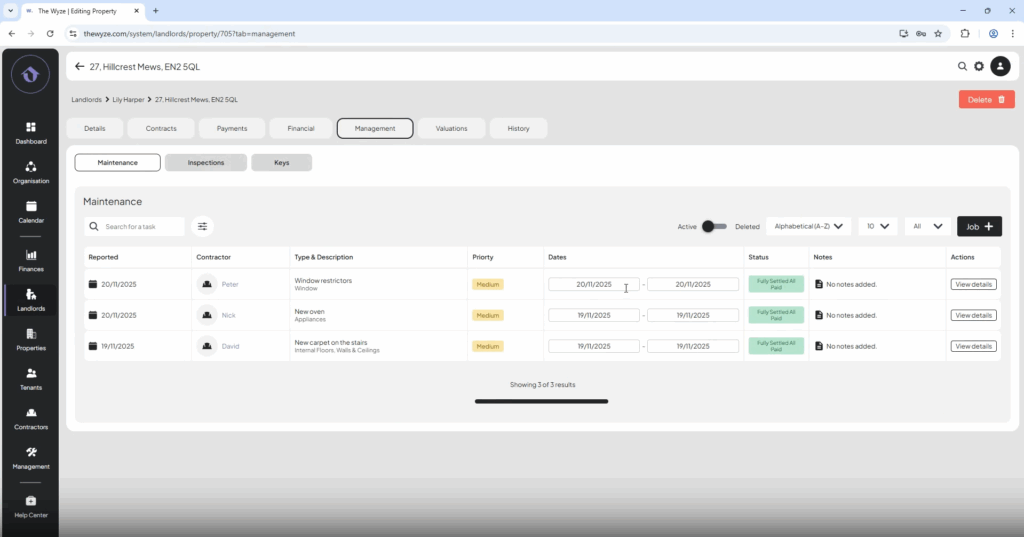
- Move to the top column.
- Click on the Management tab.
- Select Add Job on the right-hand side.
Step 3. Input Job Details 0:19
- Infill the job details.
- Select save.
Step 4. Input Costs 0:40
- Enter the contractor’s charge.
- Set your charge to £0, as this is a guaranteed cost.
- Select save.
Step 5. Add Invoice 1:06
Step 6. Pay Contractor 1:11
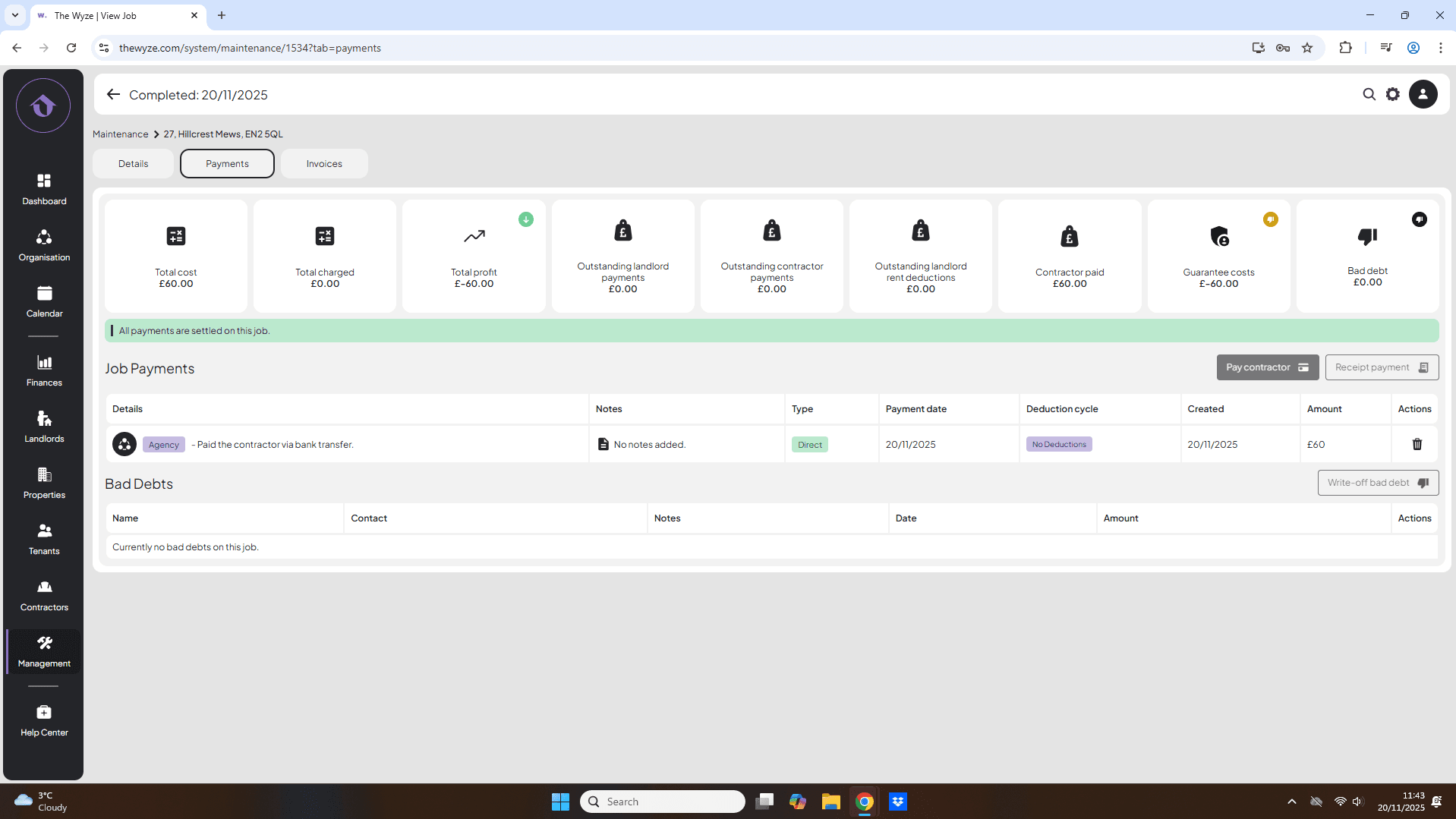
- On the details page complete your job once it has been done.
- Pay your contractor.
Step 7. Review Financials 1:28
- Note that the £60 has automatically entered the guaranteed cost category.