The Wyze
Tuesday, 02/12/2025
How to add a landlord
Step 1. Access the Landlords Tab 0:00
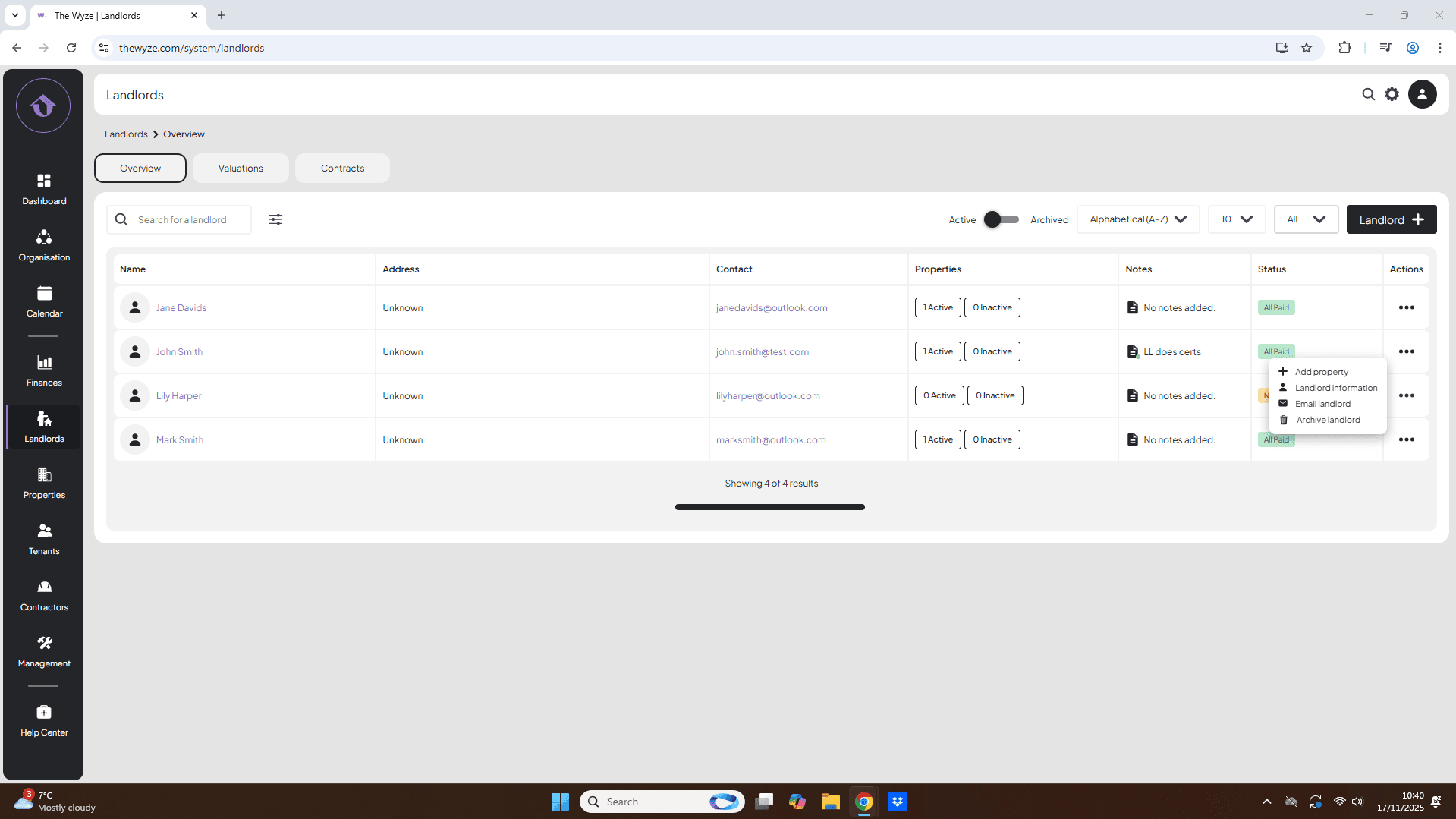
- Navigate to the left-hand side menu.
- Select the Landlords tab.
Step 2. Add a New Landlord 0:10
- On the right-hand side, click on ‘Landlord +’.
Step 3. Fill in Landlord Information 0:14
- Enter the landlord’s information.
- Select Save to add the landlord to your profile.
Step 4. Verify Landlord Addition 0:57
- Confirm that the landlord has been added to your Landlords page.
- Note that the landlord’s status will initially be set to Nurture.
- As you add properties for the landlord, their status will change based on the properties associated with them.
Step 5. Additional Options for Landlords 1:25
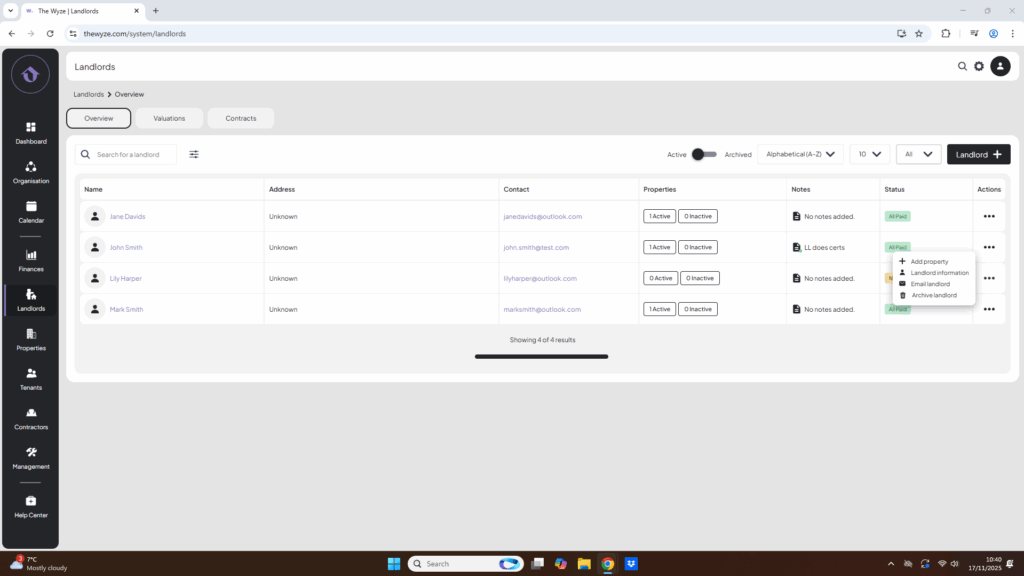
- Hover over the three dots next to the landlord’s name for more options:
- Add a property
- Edit landlord information
- Email the landlord
- Archive the landlord.