The Wyze
Wednesday, 26/11/2025
How to add a maintenance job, receipt payment and pay contractors
Step 1. Access the Properties Tab 0:00
- Navigate to the left-hand side and select the properties tab.
Step 2. Select Your Property 0:09
- Choose the desired property.
Step 3. Go to the Management Tab 0:12
- Click on the Management tab to access the maintenance page.
- Click on Add Job on the right-hand side.
- Infill all known information about the job.
- Scroll down and click Save.
Step 4. Schedule the Job 1:16
- Click Edit.
- Input the job date.
- Scroll down and click Save to change the status to ‘scheduled’.
Step 5. Input Job Cost 1:42
- Click Edit.
- Enter the contractor’s cost and the amount to charge the landlord.
- Scroll down and click Save.
Step 6. Receipt Payment from Landlord 2:13
- Navigate to the Payments section.
- Click on Receipt Payment.
- Choose a payment method (multiple payments with different payment methods can be made).
- Scroll down and click Save.
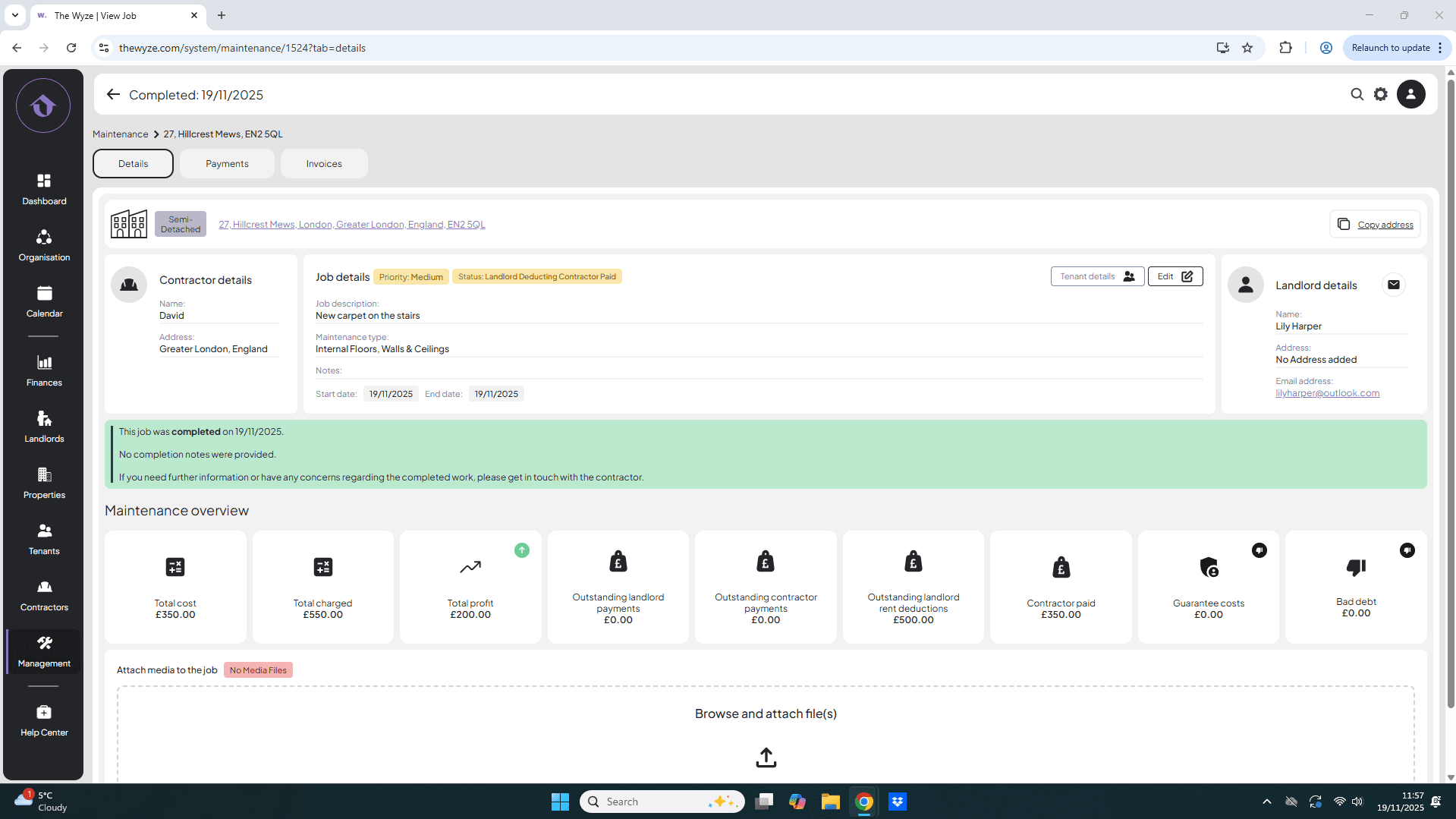
- On the details page the status will update to ‘landlord deducting, contractor pending’.
Step 7. Pay the Contractor 4:02
- Go back to the Payments section.
- Click on Pay Contractor.
- Select the contractor’s bank account or add them if not already done.
- Input the payment details and click Save.
Step 8. Complete the Job 5:13
- Once the job is done, click on Complete Job.
- You are still able to edit the details of the date the job is scheduled for if needed.