The Wyze
Monday, 01/12/2025
How to add a property and a valuation
Step 1. Access the Properties Tab 0:00
- Navigate to the left-hand side and click on the Properties tab.
Step 2. Add a Property 0:14
- On the right-hand side, select Add Property.
- Ensure you have added your landlord first.
- Input the property details.
- Click Save.
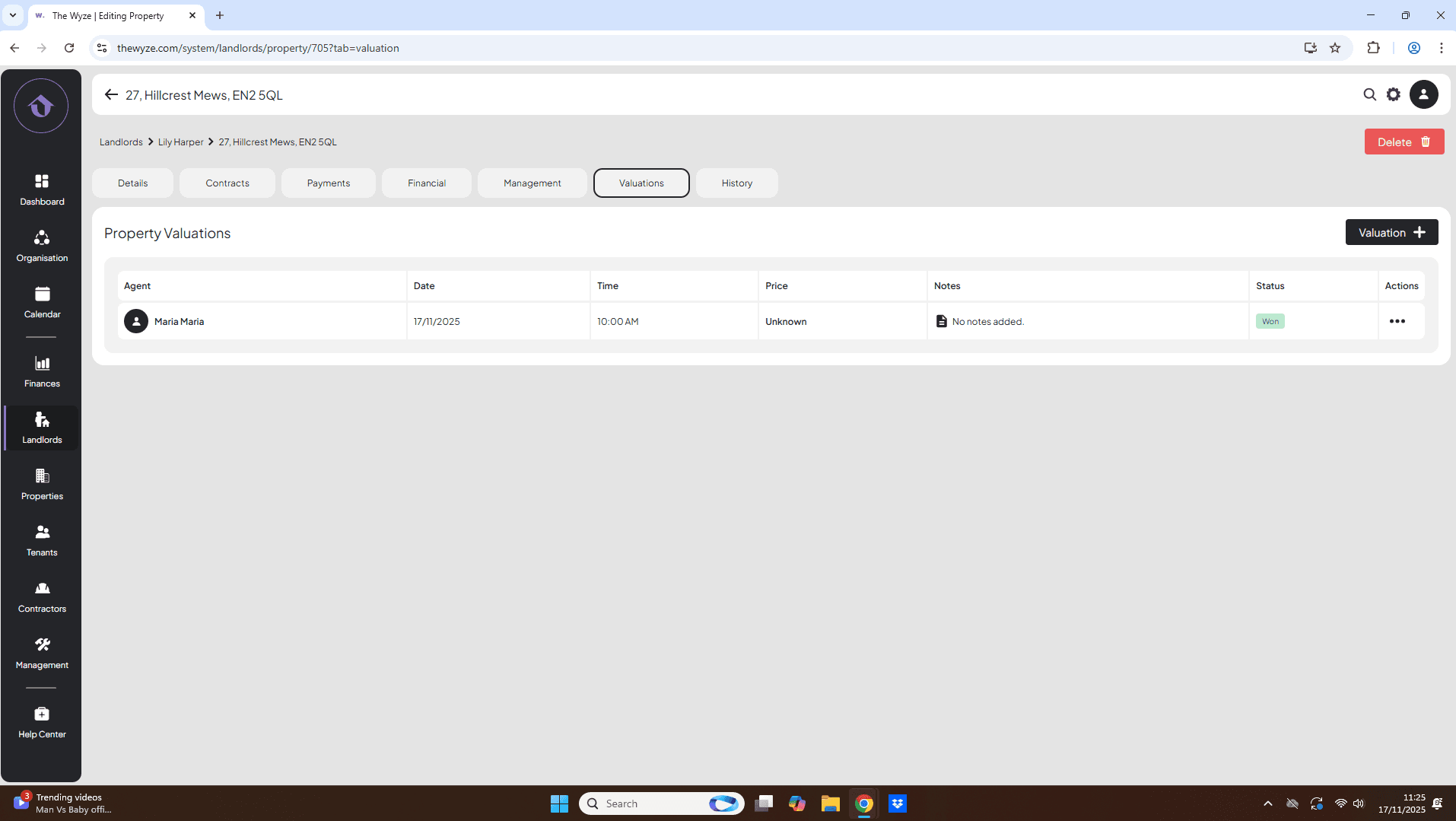
Step 3. Navigate to the Valuations Tab 1:11
- After saving the property, you will be directed to the property page.
- Click on the Valuations tab at the top.
Step 4. Add a Valuation 1:18
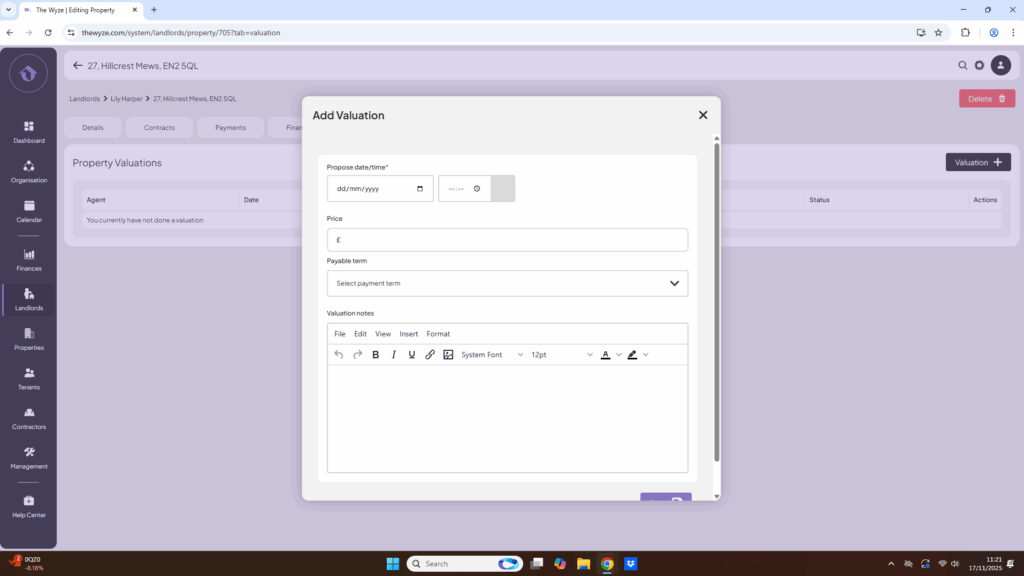
- Click on ‘Valuation +’ on the right-hand side.
- Input the proposed date and time for the valuation.
- If the price is unknown, you can leave it blank.
- Click Save.
Step 5. Update Valuation Status 2:09
- The status will show as Booked with the price as unknown.
- To make changes, hover over the three dots under Actions.
- Select the option to mark the valuation as attended.
- The status will change to Attended.
Step 6. Input Offer Price 2:26
- If you have an offer price, hover over the three dots again and select Edit.
- Input the offer amount.
- Scroll down and click Save.
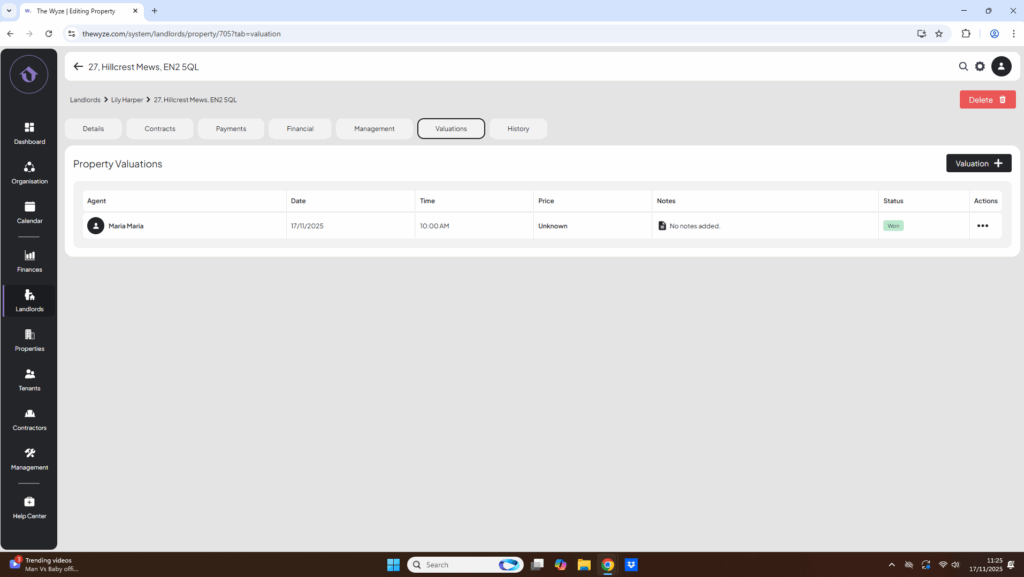
- To select whether the valuation was won or lost, hover over the three dots under Actions.
- Status will change to ‘Won’.
Step 7. Automatic Email Confirmation to Landlord 3:12
- When the valuation is booked on Wyze, the landlord will automatically receive an email confirmation.
- The email will detail the valuation date and time.