The Wyze
Tuesday, 11/11/2025
How to add landlord and tenant terms and conditions
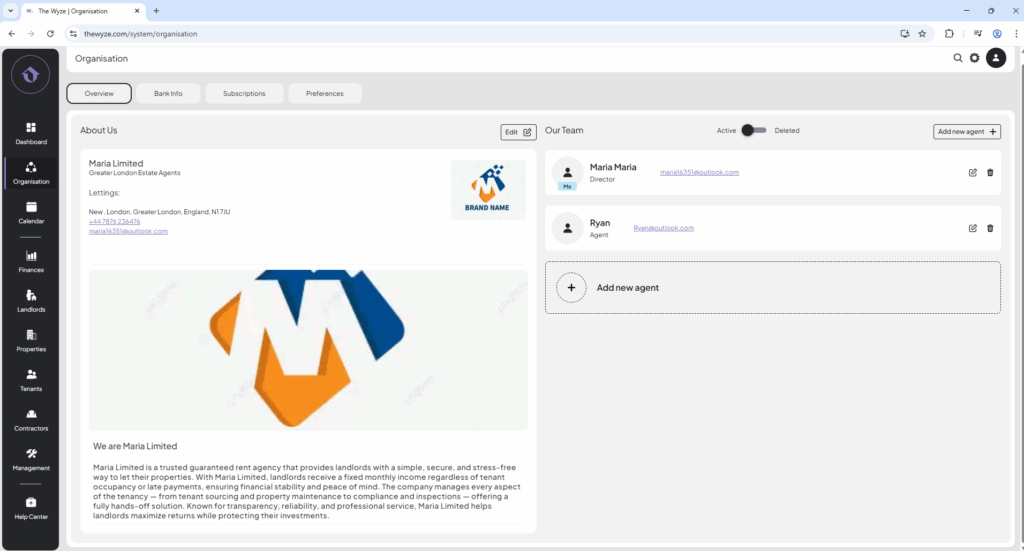
Step 1: Access Organisation Tab 0:00
Step 2: Navigate to Preferences 0:14
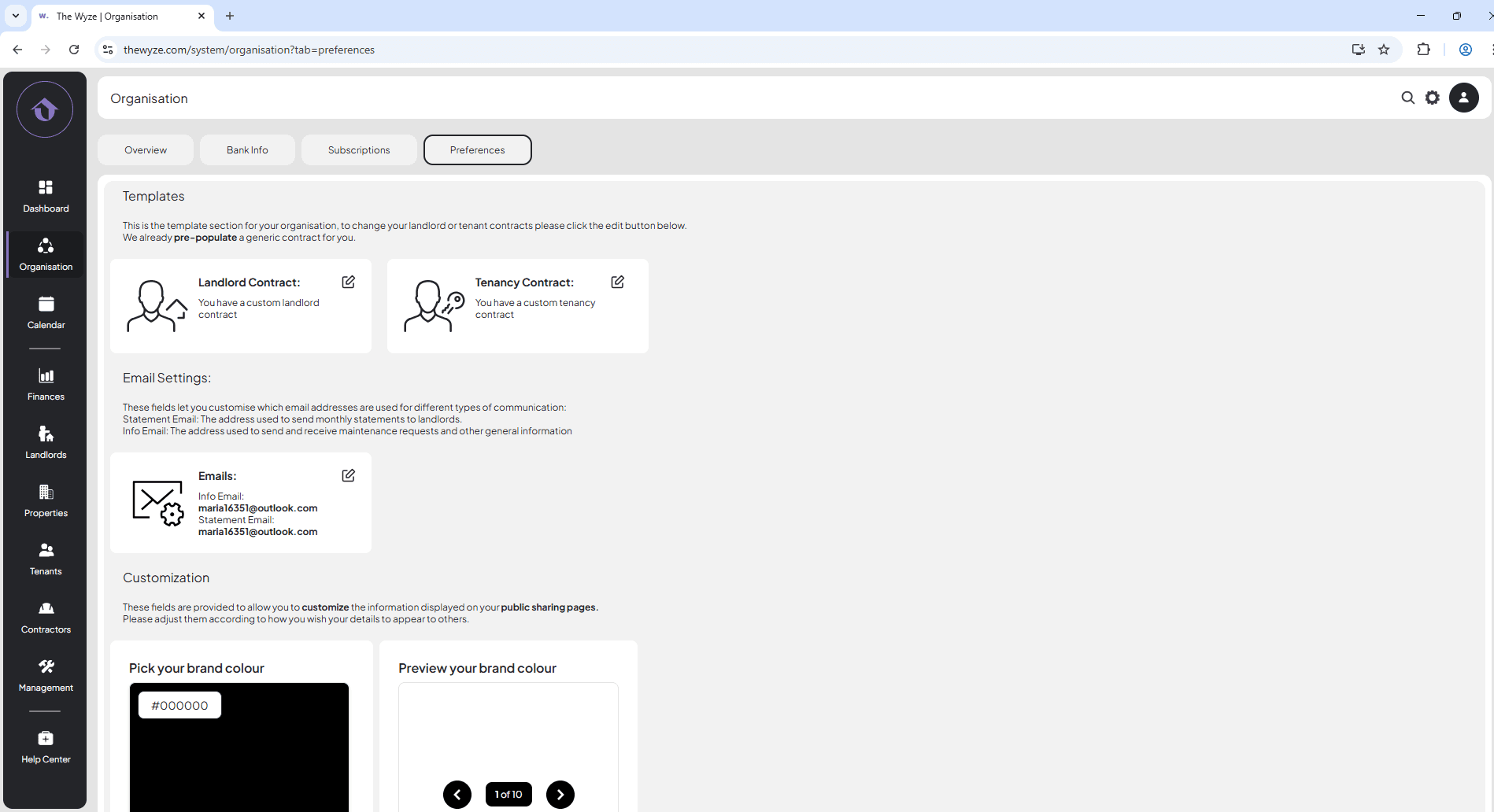
- Click on the Preferences tab at the top of the page.
Step 3: Edit Landlord Contract 0:26
- Locate the ‘Landlord Contract’ section.
- Click on the edit icon next to it.
- Paste your landlord terms and payment conditions into the provided field.
Step 4: Edit Tenancy Contract Terms 0:41
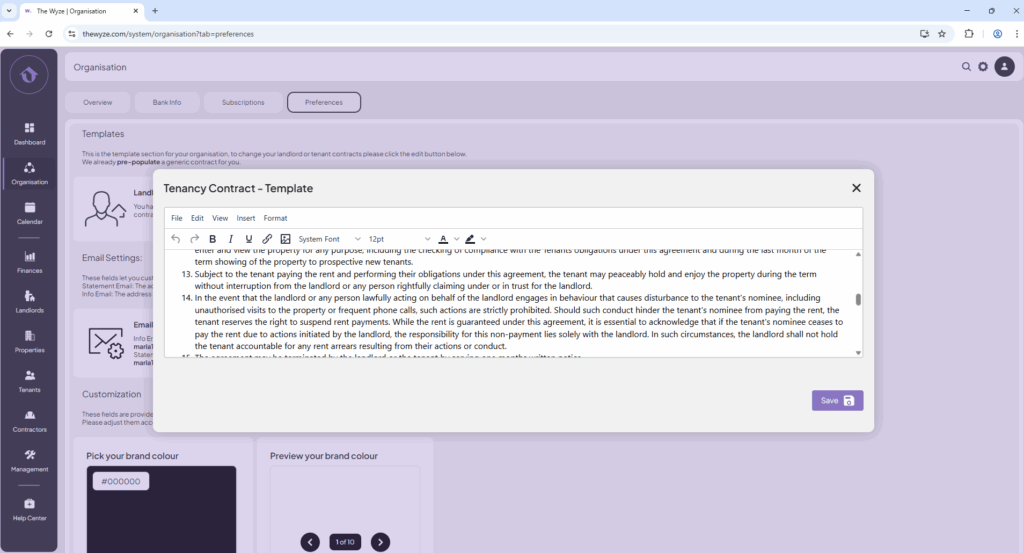
- Locate the Tenancy Contract section.
- Click on the edit icon next to it.
- Paste your terms and conditions for the tenancy contract.
- Click Save to store your changes.