The Wyze
Saturday, 29/11/2025
How to add property information
Step 1. Access the Properties Tab 0:00
- Navigate to the left-hand side of the screen.
- Select the Properties tab.
- Choose your desired property from the list.
Step 2. Edit Property Information 0:22
- On the right-hand side, click on Edit.
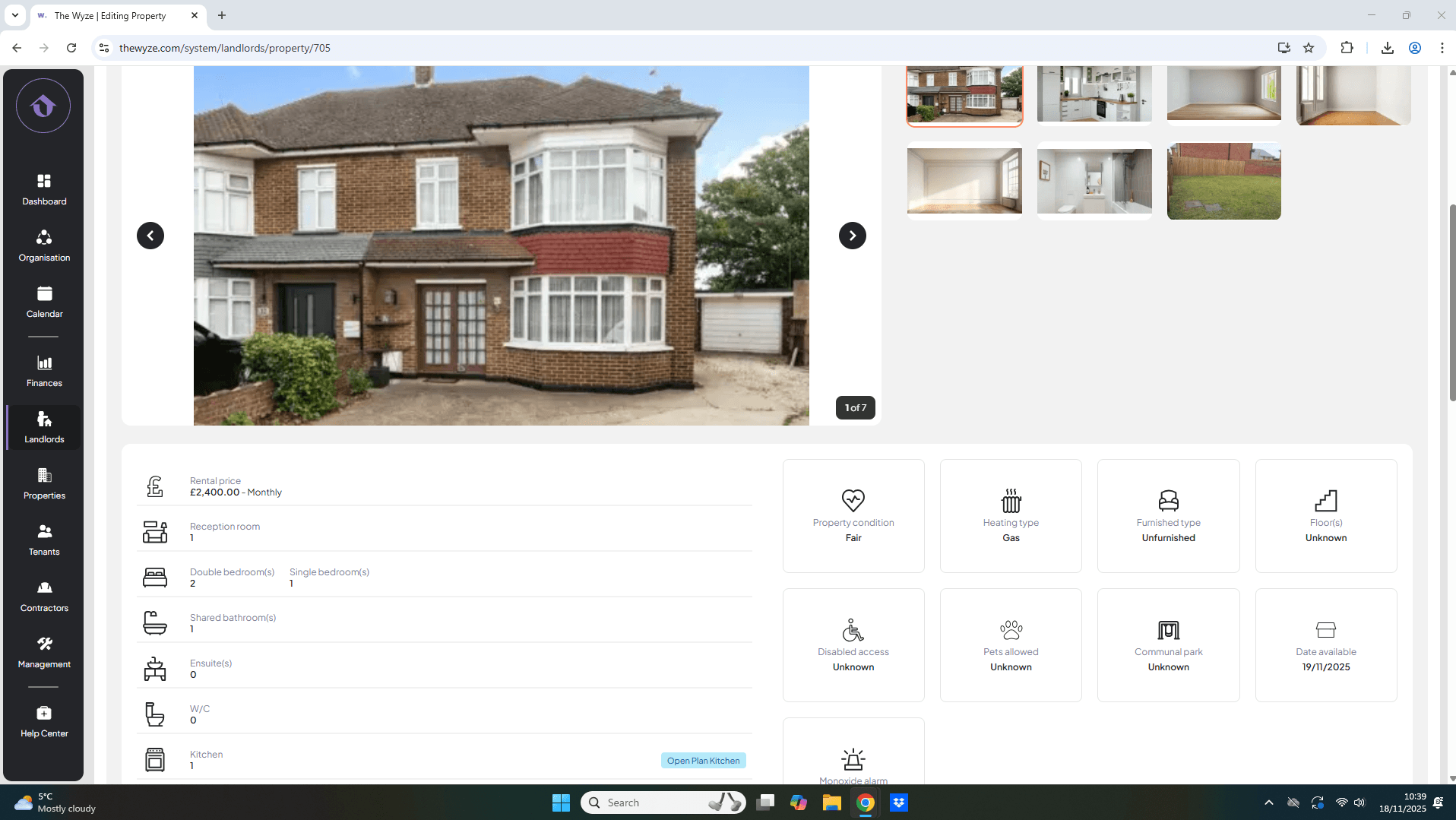
Step 3. Upload Property Information 0:28
- Drag and drop your property photos into the designated area.
- Ensure you have images of all relevant areas.
- If needed, rearrange the order of the photos by dragging them.
- Enter all remaining property information.
- Select save.
Step 4. Review Entered Information 2:45