The Wyze
Tuesday, 11/11/2025
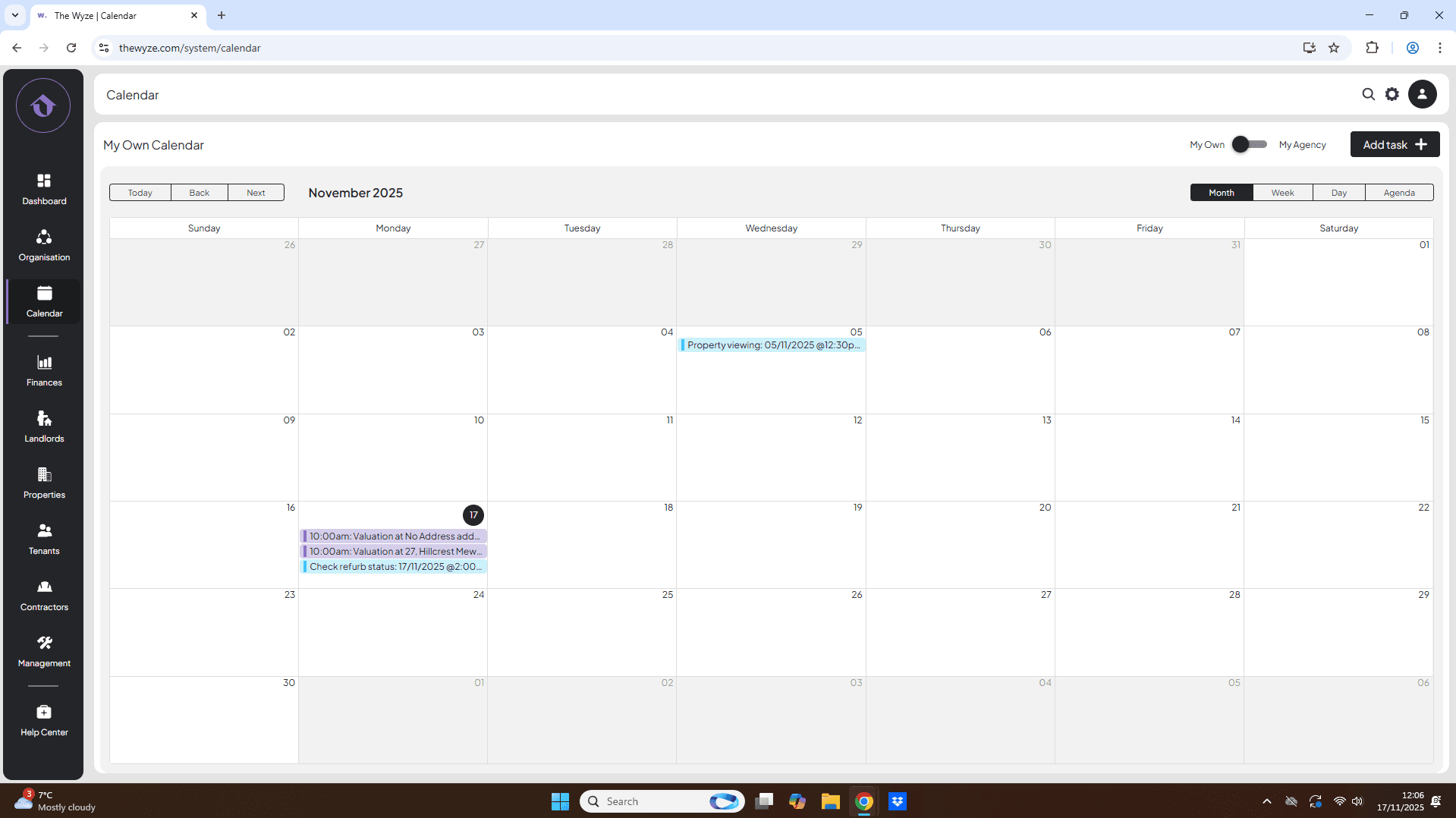
How to add tasks to your calendar
Step 1. Access the Calendar Tab 0:00
- Navigate to the left-hand side.
- Click on the Calendar tab.
Step 2. Add a New Task 0:10
- Move to the right-hand side of the calendar.
- Select Add Task.
- Infill the information.
- Select save.
Step 3. View Task Details 1:13
- Click on the task to view more details.
- To edit, select the Edit icon.
- To delete, select the Delete icon and confirm the deletion.
Step 4. Understand Additional Features 1:45
- Note that the Wyze calendar is shared among agents on your profile.
- Change the view from My Agency to My Own to see only your tasks.
- Select between Weekly View, Daily View, or Monthly View.