The Wyze
Tuesday, 11/11/2025
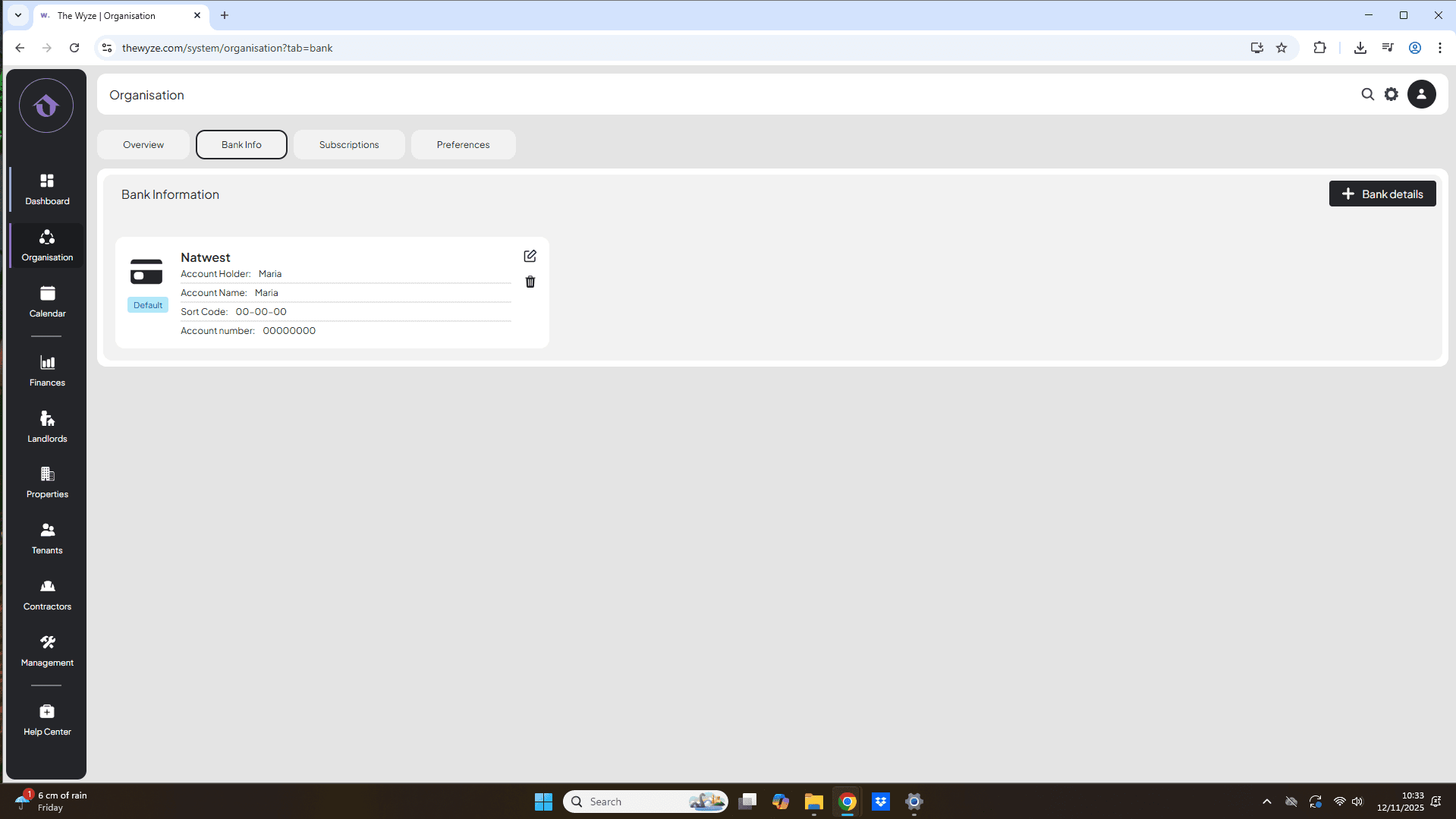
How to add your bank information
Step 1: Access the Organisation Tab 0:00
Step 2: Go to Bank Info 0:11
- Look at the top column of the Organisation section.
- Click on Bank Info to proceed.
Step 3: Add Bank Details 0:18
- On the right side of your screen, click on ‘+ Bank Details’.
- Fill out the required bank information.
- Set this as your default bank account if applicable.
- Select save.
Step 5: Add Additional Bank Accounts (if needed) 0:58
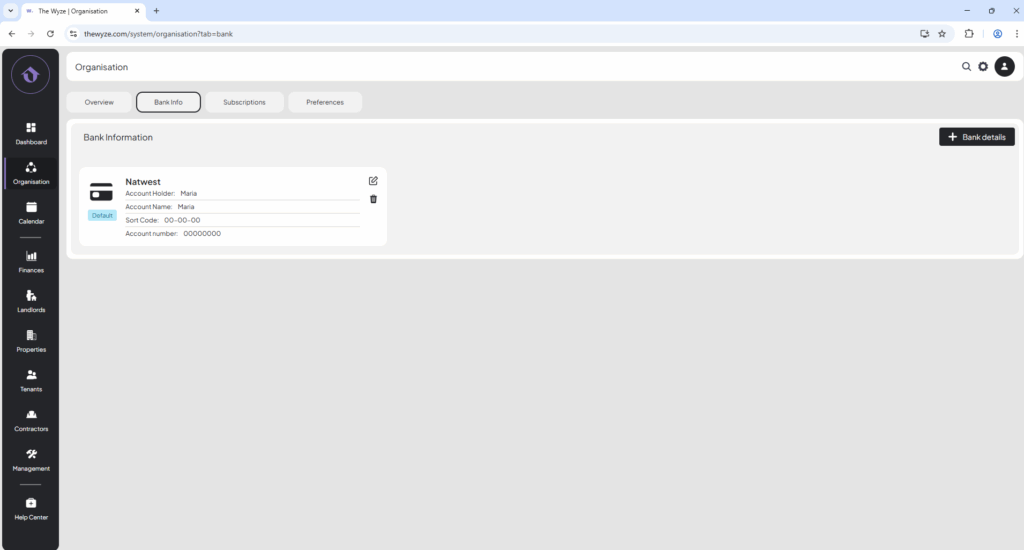
- If you have more bank accounts to add, repeat steps 3 to 4.
- For additional accounts, select ‘No’ for the default option.
Step 6: Edit Bank Details (if necessary) 1:24
- If you need to correct any information, click on the edit icon on the required bank account.
- Make the necessary changes and scroll down to select ‘Save’.
Step 7: Delete Bank Accounts (if no longer needed) 1:36
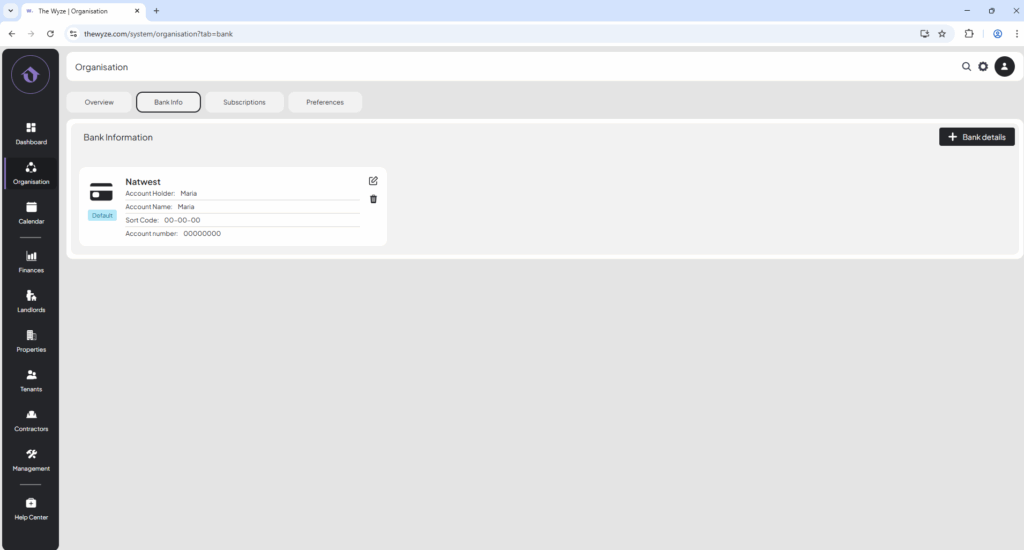
- To remove a bank account, click on the delete icon.
- Confirm the deletion by selecting ‘Delete’.