The Wyze
Friday, 21/11/2025
How to End a Council Tenancy and Move Out an Occupier
Step 1. Select the Property 0:00
- Go to the properties tab on the left-hand side.
- Select the desired property.
Step 2. Access the Contracts Tab 0:22
- Navigate to the top column and click on the contracts tab.
- Select ‘tenants’.
Step 3. Move Out the Occupier 0:33
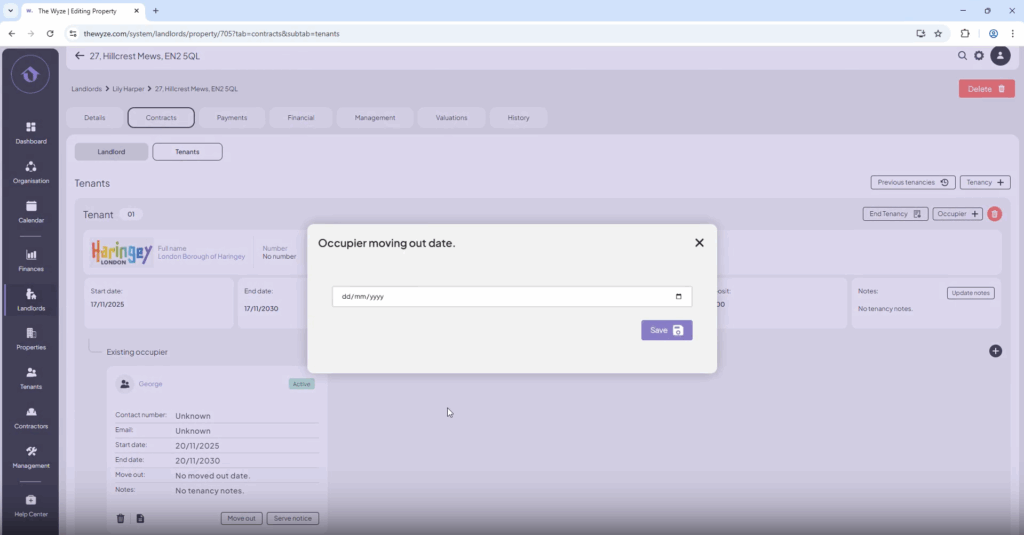
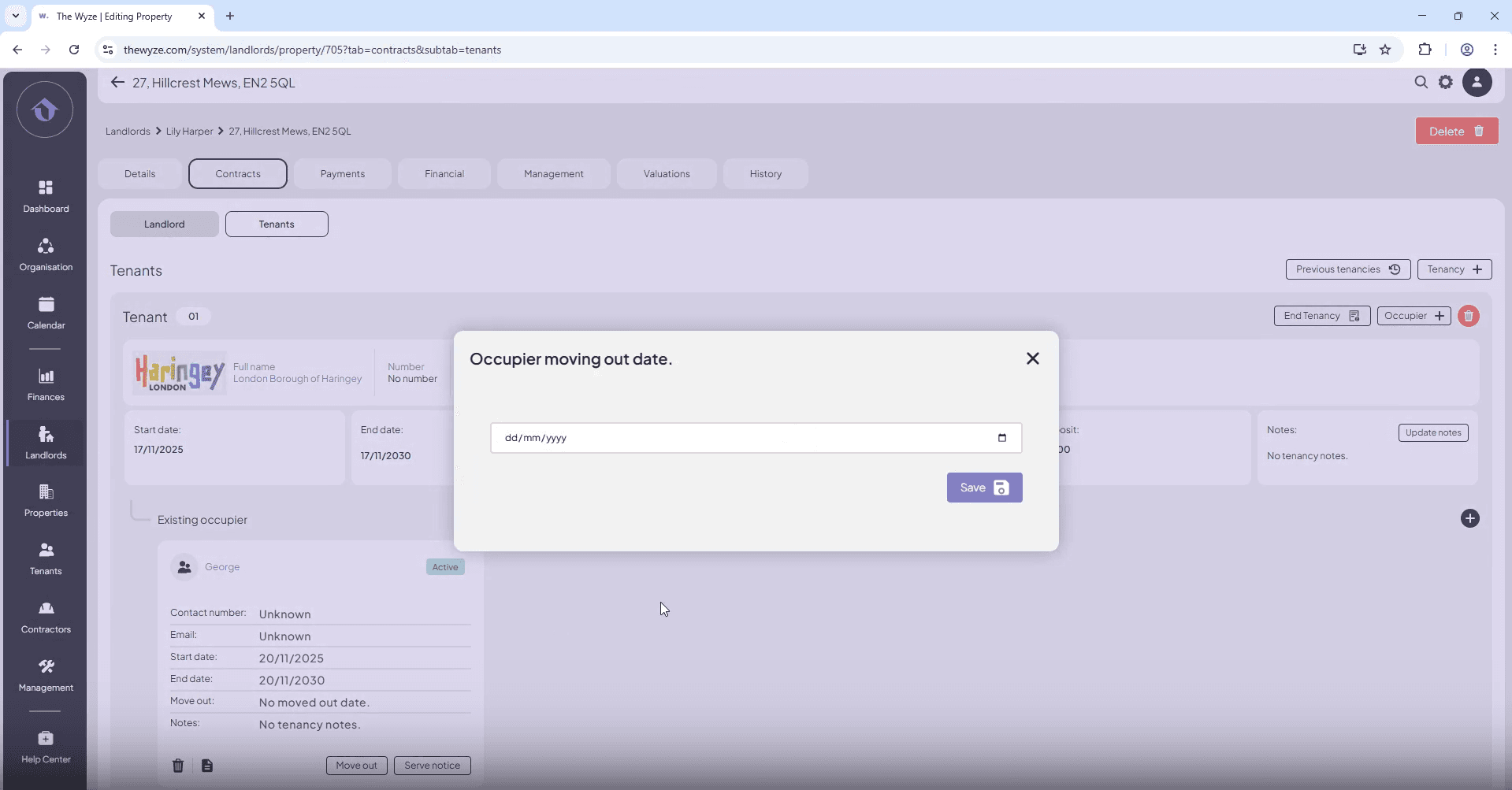
- Select ‘move out’ for the occupier.
- Choose the move-out date and click ‘save’.
Step 4. End the Tenancy 0:47
- Select ‘end tenancy’.
- Use the same date as the occupier’s move-out date.
- Click ‘save’.
Step 5. Delete the Tenancy 1:16
- Press the delete button to remove the tenancy from the contracts page.
- Confirm the deletion.
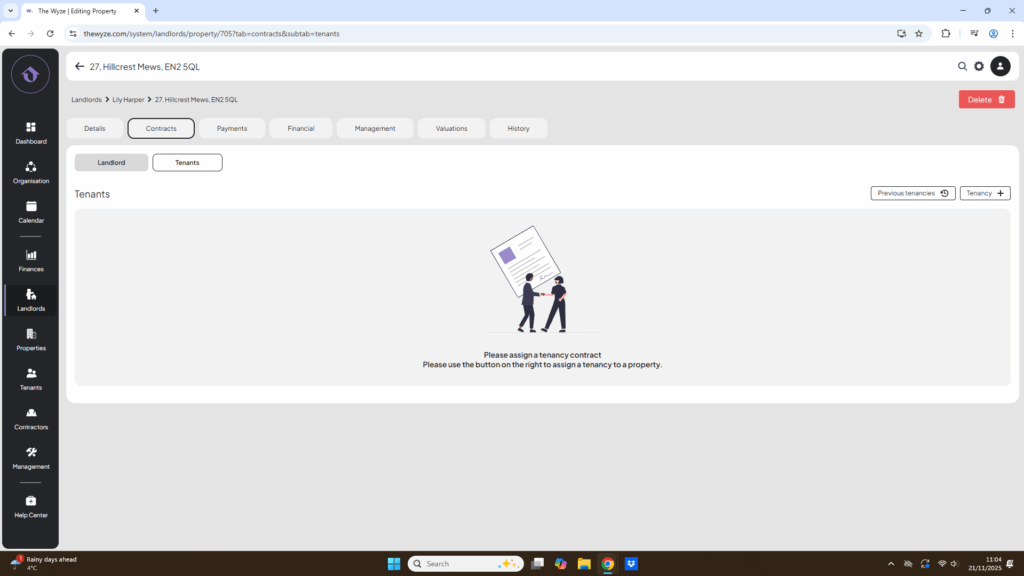
Step 6. Review Previous Tenancies 1:27
- To review past tenancies, go to the right-hand side and select ‘previous tenancies’.